What Is On-Page SEO?
Match search intent, improve the page people read, and measure what changes.
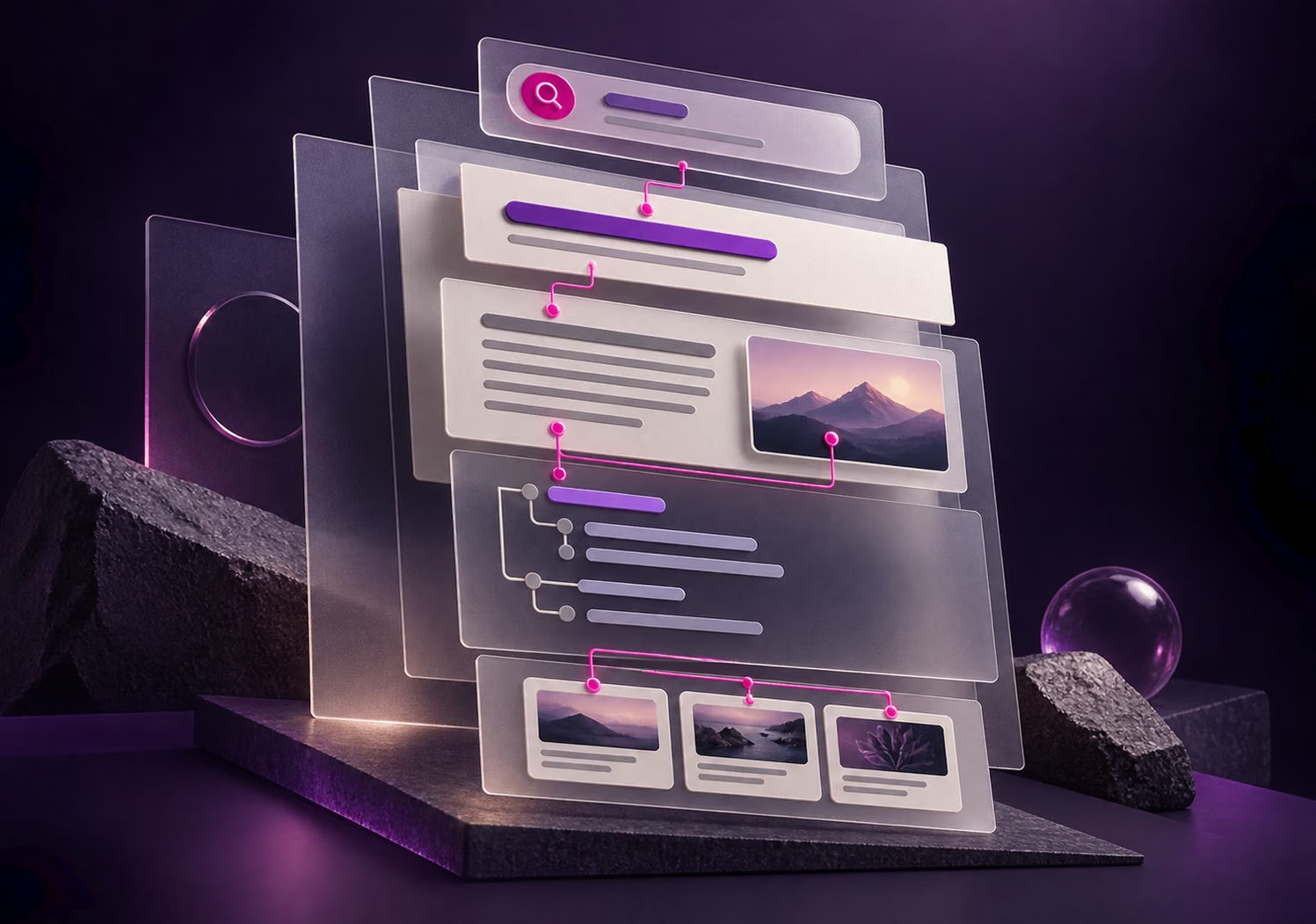
On-page SEO makes a webpage answer search intent clearly and easy to read.
It covers the title, H1, opening answer, useful content, internal links, images and mobile experience.
Start by matching each query to the right page before rewriting copy or adding keywords.
Start With Search Intent
Separate the Intent
A search for “what is on-page SEO” calls for an explanation and a usable process. A search for an SEO agency calls for a clear service scope and a way to enquire. This guide serves the first need; Brandstorm's SEO services page serves the second. Repeating a phrase across both pages does not make them answer the same question well.
Read the Search Results
Inspect the results for the main query to see whether people are offered guides, services, products or tools. Then review the queries already leading to your page in Search Console. Group queries with the same intent: a definition, method and checklist may fit in one guide, while a request to hire a provider deserves a service page.
Choose the Main Page
Map each group to an existing URL before creating another page. If two pages answer almost the same question, choose the principal answer and give the other a distinct role or consolidate carefully. Search volume alone should not determine the page when it would mismatch the reader's goal.
Check the Elements That Matter
Structure
- Title and H1The search-result title should identify the page's subject and value; the H1 should orient visitors once they arrive. Read them separately and make sure they describe the same purpose. Avoid vague labels such as “Our Services” and repeated keyword strings.
- URLUse a short, understandable address that reflects the subject. Do not change a working slug merely to insert a keyword. Any necessary URL change also needs its existing links and redirect checked.
- Opening AnswerAnswer the main question or define the service scope near the top, before company history or secondary detail. A reader should quickly see that this is the page they needed.
Content
- Headings and SubstanceArrange H2s and H3s around the reader's next questions. Each section should add an explanation, method, condition or example. Remove repeated headings and copy that does not help the decision.
- Verifiable InformationA service page should state its real scope, process, deliverables and limits. A guide should use grounded examples, correct dated information and revise anything stale. Changing only the publication date does not make the content current.
- Internal LinksLink to this page from relevant pages and onward to the next useful answer. Name the destination, such as “Explore SEO services,” instead of “Click here,” and verify that the link opens.
Usability
- ImagesPut explanatory visuals near the relevant copy, reserve their dimensions to limit layout shifts, and describe informative images in alt text. Decorative images do not need keyword-filled descriptions.
- Meta descriptionSummarise the page accurately and give a reason to visit without promising results the page cannot support. Google may show a different snippet, so the opening copy must also be clear.
- Mobile ExperienceCheck text size, visuals, tables, buttons and forms on the live page. People should be able to read and act without zooming or horizontal scrolling. Treat slow loading or shifting controls as separate problems to fix alongside the copy.
See a Before and After Example
Imagine an SEO service page that appears in search but does not name the service clearly or explain what a visitor would receive. The search-result message and the page's opening answer need to point in the same direction.
Title
Before“Our Services”
After“SEO Services for Businesses | Brandstorm”
H1
Before“Welcome”
After“SEO Services for Businesses”
Opening
BeforeCompany history before the service is explained
AfterState the work offered, the website review scope and the route to discuss a project
Link
Before“Click here”
After“Explore the SEO Service Scope”
A better heading alone is insufficient. The rest of the page should answer decision questions about the process, deliverables, reporting and limits. This is a hypothetical writing example, not a ranking result or a promise about a real engagement.
Improve an Existing Page
Choose a Page
Filter Search Console performance by URL. Look at queries with impressions where the page may not yet answer clearly. Start with one page and one group of queries with shared intent.
Find the Gap
Compare questions seen in search results with the current title, H1, opening answer and sections. Note what a reader still needs to know, such as scope, conditions, steps or an example, without copying a competitor's page structure.
Revise the Answer
Align title and H1, make the opening answer direct, add the missing detail and read the whole page to cut repetition or copy that serves a different intent.
Connect and Test
Add a contextual link from a related page and a useful next link from this one. Check images, mobile layout, broken links and the form on the published URL.
Keep a Record
Record the date, URL, intended query group and edits. Capture starting impressions, clicks, CTR and enquiry data so later comparisons have a clear baseline.
Measure What Changed
Compare the Same URL
In Search Console, review the same URL and relevant queries, countries and devices. Compare periods of similar length before and after the edit. Look at impressions, clicks and CTR together. Treat average position as context because the mix of queries displaying the page can change.
Read Signals Together
If impressions rise while CTR falls, check whether the page is appearing for broader queries and whether the title and snippet explain the answer. If clicks rise but enquiries do not, review the page's content, path to the service page and form using Analytics or lead records. One keyword or a few days of data cannot establish the effect of the revision.
Check Before Publishing
Read the Live Page
Open the real URL and read from title and H1 through the opening answer and conclusion. They should serve one clear purpose. Test internal links, informative image descriptions, mobile reading and the button or form promised by the page. Any structured data must match what visitors can see.
Check Access
Check the technical conditions separately: the page must be accessible, avoid an accidental noindex instruction and point its canonical to the intended URL. Better copy cannot overcome a page blocked from search. Reputation and links from other websites are another area of work. Effective on-page SEO makes this page's answer clear and gives the reader a useful next step.
Common Questions: On-Page SEO
How Often Should a Keyword Appear?
There is no fixed count. Use the query where it naturally identifies the topic, such as the title, H1 and opening answer. Add genuinely related questions and information instead of counting repetitions.
How Long Should the Article Be?
There is no universal word count. Answer the main question and necessary follow-up questions with useful examples or conditions, then remove paragraphs that repeat a point or do not help the reader.
How Does On-Page SEO Differ From Technical SEO?
On-page work focuses on what an individual page communicates: its answer, headings, images and contextual links. Technical SEO addresses access, indexing, rendering and the website's systems. Both need to work together.
Should I Update a Page or Create a New One?
Improve the existing page when its core answer and search intent remain the same. Create a separate page when readers need a different type of answer, such as learning a method versus comparing a service, and link the two with clear roles.
Will Rankings Rise Right After an Edit?
There is no reliable timetable or guarantee. Discovery and reassessment take time, and results depend on relevance, website quality and competition. Review the URL's trend and business outcomes instead of promising a position.